


How can I switch the language on the platform?

Oct 15, 2025
 51
51
📺 Watch the related video / gif to guide you step-by-step through the language change process.
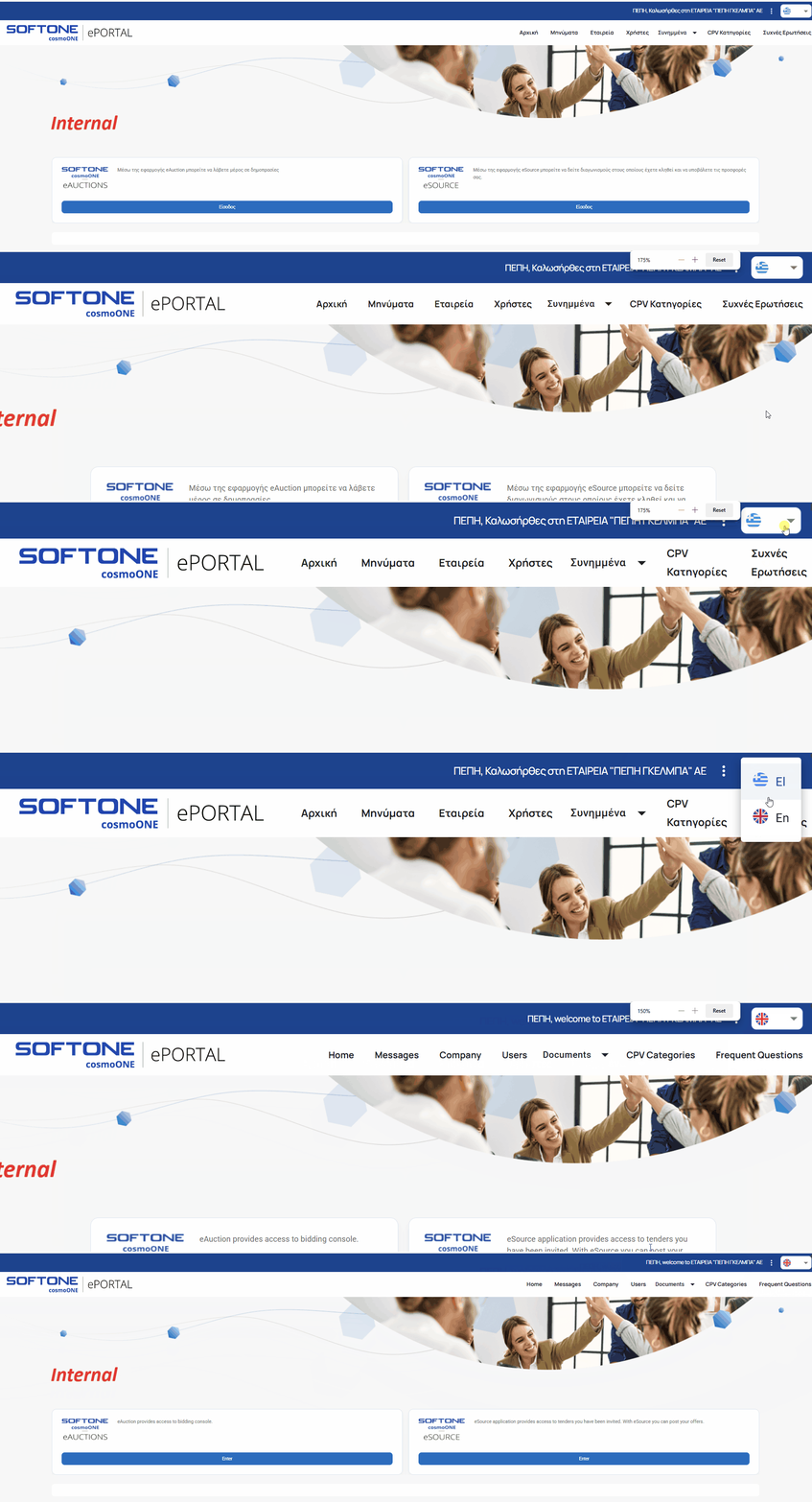
➤ Step-by-step instructions:
Changing the language from Greek and English (and vice versa) is simple — just click on the flag icons located in the top right corner of the portal page.
- Selecting a country flag instantly changes the user interface language.
⚠️ Please be aware that the language selection will be applied across all connected applications you use within the portal.

