



 0
0
The system has a mechanism for deleting incoming and sent messages, which helps keep the platform organized and functional. This feature helps reduce storage load, improve system performance, and ensure that users always have easy access to recent and relevant information, without unnecessary history that could cause confusion.
- Deleting an incoming message
📺 Watch the related video/gif to guide you step-by-step through deleting an incoming message
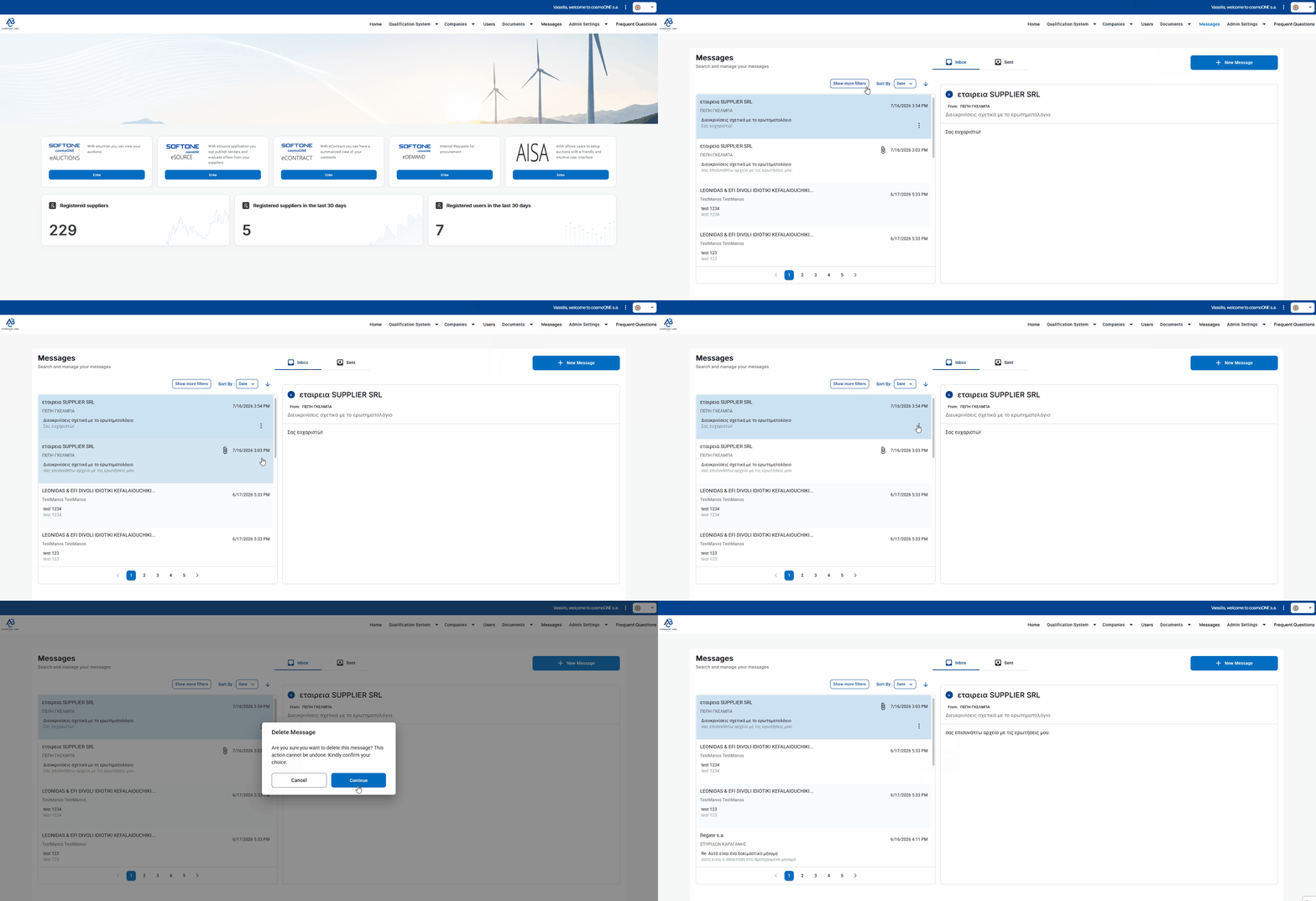
➤ Step-by-step instructions:
- Click on "Messages" in the main menu.
- In the "Inbox" menu, locate the incoming message you want to delete and click the three vertical dots (⋮) to its right.
- Select "Delete".
- In the confirmation message that appears, click Continue.
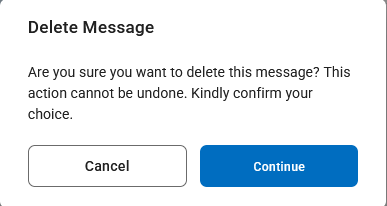
📌Note: The deletion of the message is permanent. It cannot be undone, and it is not possible to recover the content after deletion.
2. Deleting a sent message
📺 Watch the related video/gif to guide you step-by-step through deleting a sent message
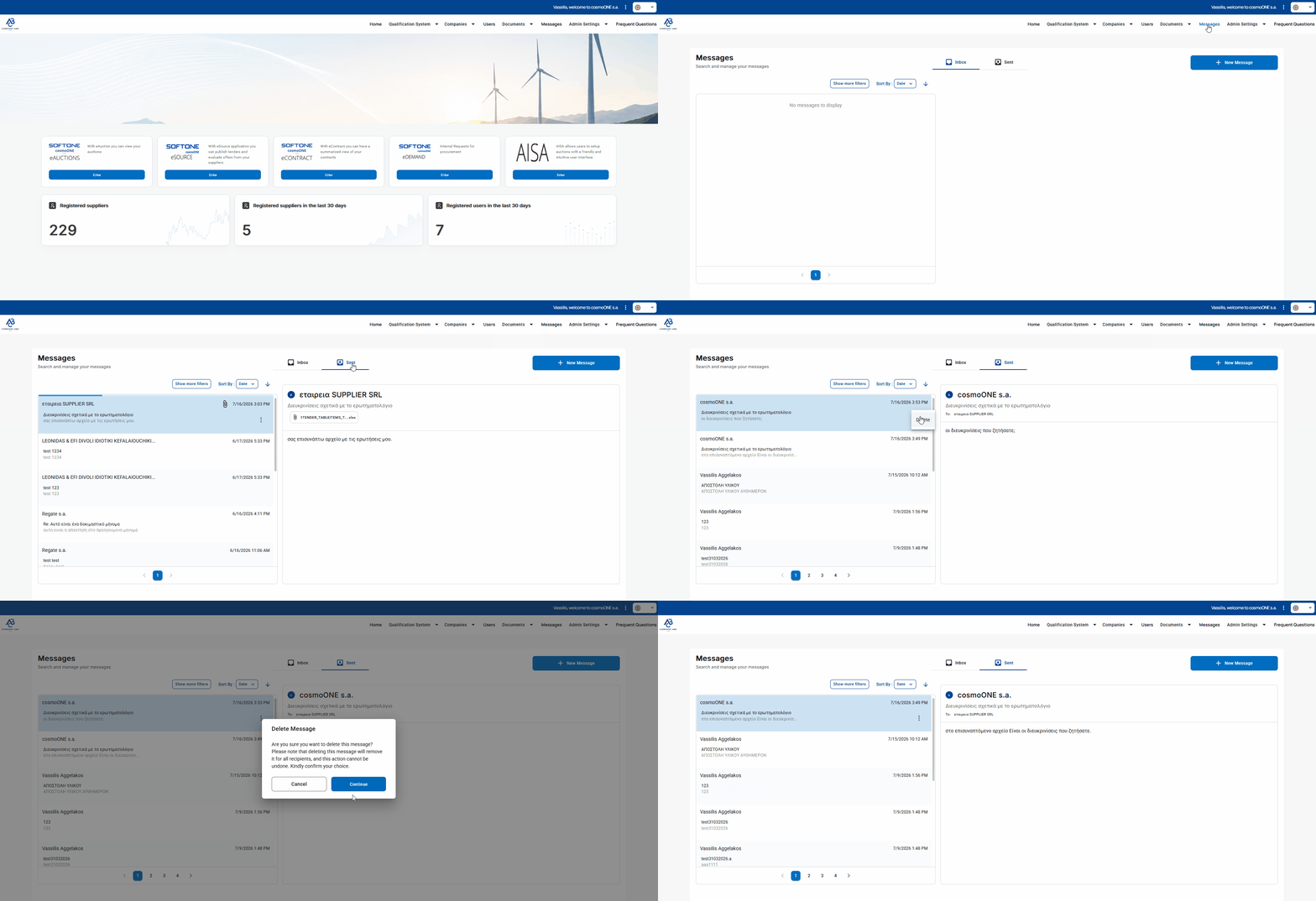
➤ Step-by-step instructions:
1. Select the "Messages" menu.
- In the "Sent" menu, locate the message you want to delete and click the three vertical dots (⋮) to its right.
- Select "Delete".
- In the confirmation message that appears, click Continue.
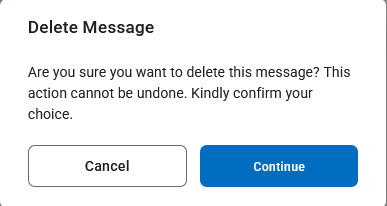
📌Note: The deletion of the message is permanent. It cannot be undone, and it is not possible to recover the content after deletion.

